
User and role administration
Securing and managing APIs requires policy building, monitoring, and threat mitigation activities that may require efforts from multiple organizational job roles. Users can be assigned one of these five roles—Admin, Developer, Security Infosec, Security Operations, and Demo. These user roles map to the job roles required for managing and securing APIs.
Add user
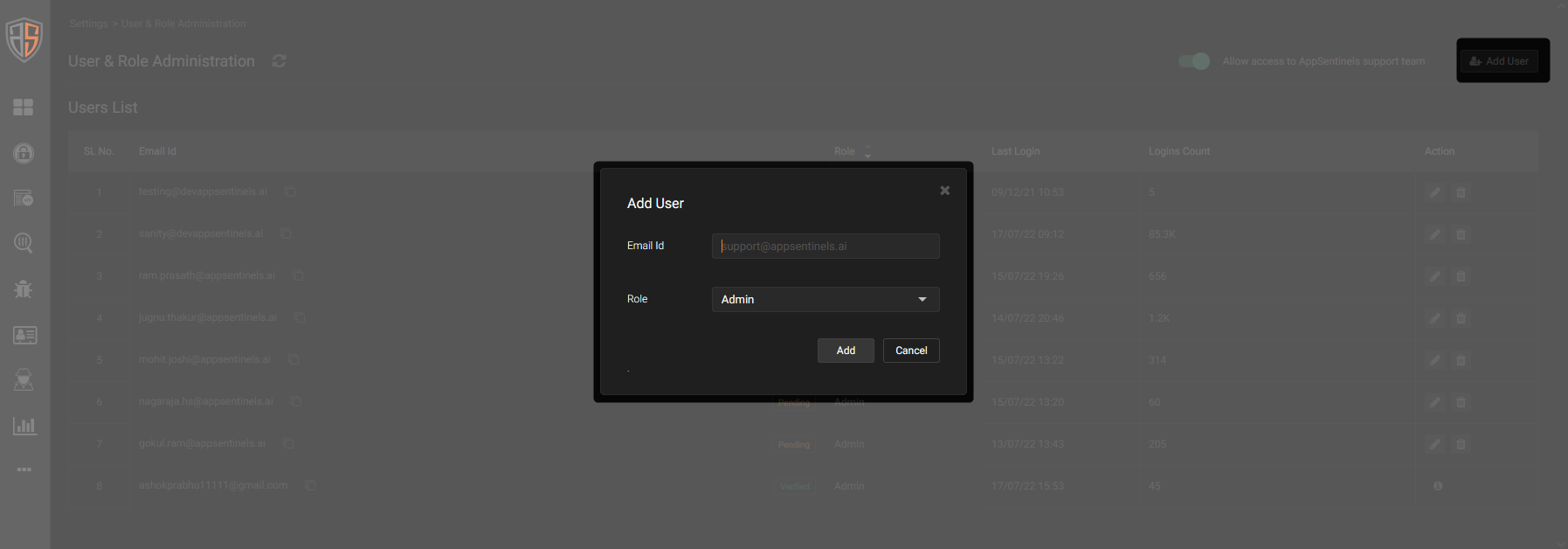
AppSentinels user accounts are created using the email address of the user. Upon adding a user by their email address, an invitation email is sent to the user. After accepting the invite, the user must set a password for the account.
- Go to More > Settings > User & Role Administration.
- Click the Add User icon, enter the email address, select a user role, and click Add.
See Role privileges to decide upon the user role for the user.
Change user role
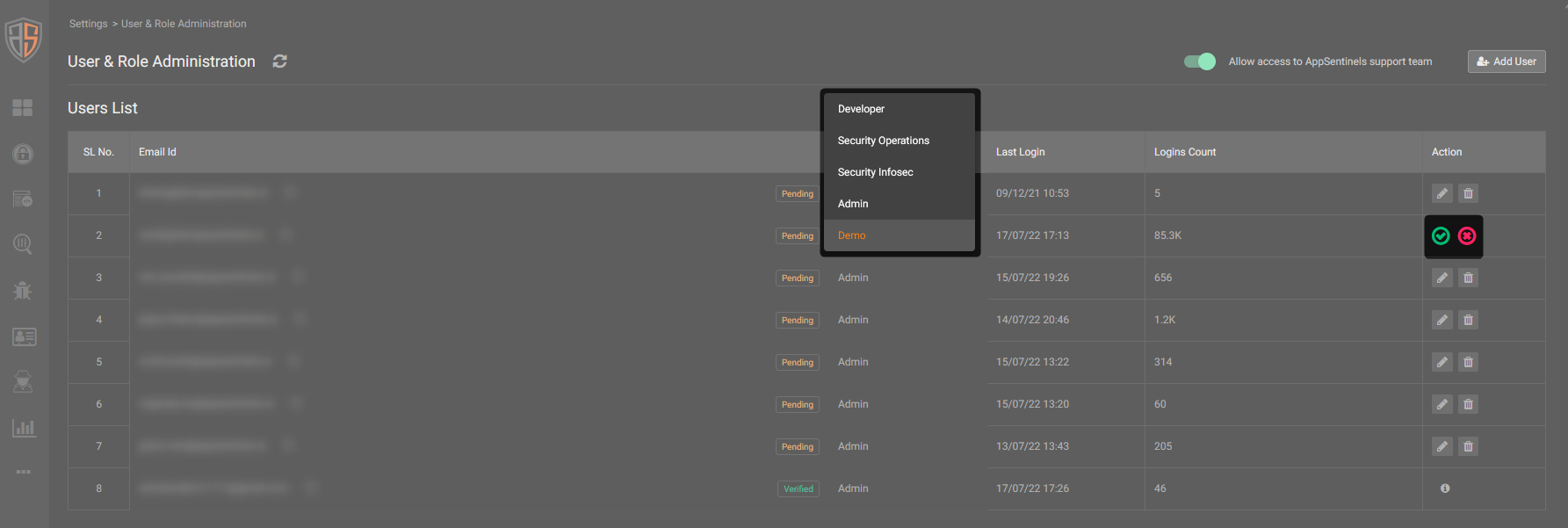
The user role assigned to a user can be changed at any time. For user role change to take effect, the user must log out and log into their account.
- Click the Edit icon in the Actions column, assign a new role in the Role column, and then click the green tick mark in the Actions column.
Delete user
Delete a user account to revoke their access to AppSentinels. Deletion takes effect immediately—an ongoing login session is terminated when the user account is deleted.
- Click the Delete icon in the Actions column, and click Yes in the confirmation modal.
Role privileges
Here is the list of privileges available for user roles in AppSentinels.
| Security Infosec | Security Operations | Developer | Demo | Admin | |
| Dashboard | Read | Read | Read | Read | Read |
| Defend | Read
Modify Delete |
Read | No | No | Read
Modify Delete |
| API Catalogue | Read
Modify Download |
Read
Modify Download |
Read
Download |
Read
Download |
Read
Modify Delete Download |
| Parameter Catalogue | No | No | No | No | Read
Modify |
| Threat Actors | Read
Modify |
Read
Modify |
Read | Read | Read
Modify |
| Events | Read
Modify Download |
Read
Modify Download |
Read
Modify Download |
Read
Download |
Read
Modify Download |
| Vulnerabilities | Read
Modify Download |
Read
Modify Download |
Read
Modify Download |
Read
Download |
Read
Modify Download |
| Health | Read | Read | No | No | Read |
| Insights | No | No | No | Read | Read
Write Download |
| Settings | No | No | No | No | Read
Write Modify Delete |
Need AppSentinels support?
AppSentinels'Customer Support team can be allowed to access a customer's Dashboard for troubleshooting or configuration purposes. The Customer Support team will have administrative access to the Dashboard.
To allow the AppSentinels customer support team to access the Dashboard, set Allow access to AppSentinels support team to ON.